Disable right click
Block the default context menu so visitors cannot easily save product images or copy page elements.
 Content protection
KOI Disable Right Click & NoSpy helps Shopify merchants protect product media and block common copy actions. Every protection feature is free, including unlimited IP, country, and page rules.
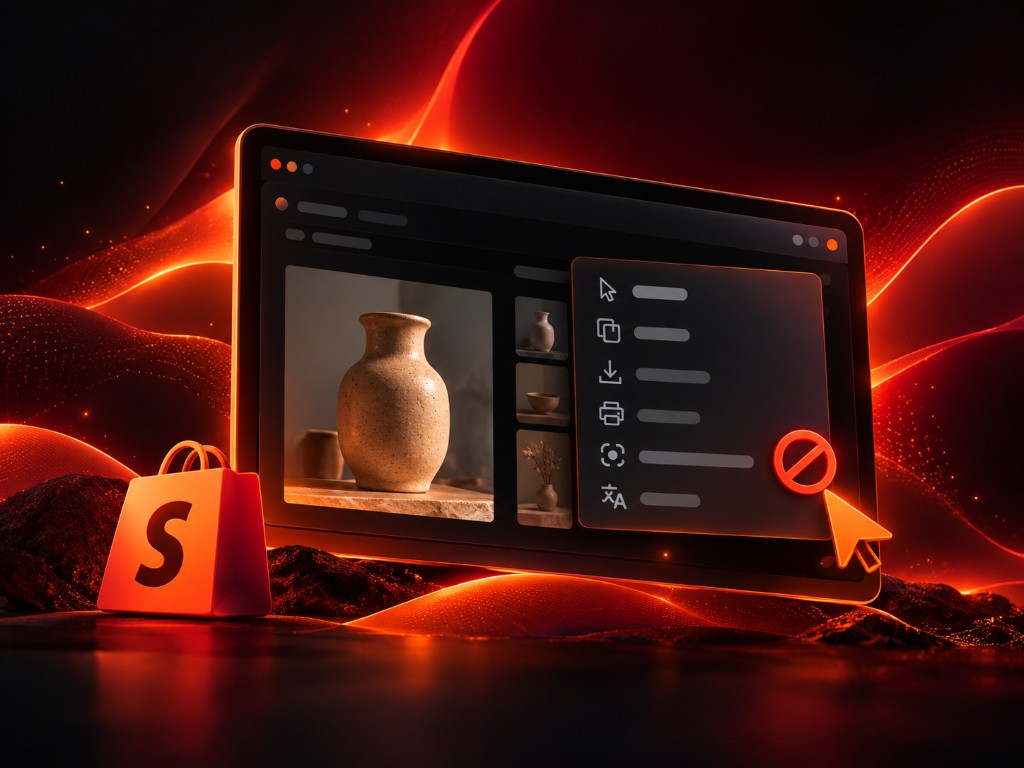
A Shopify right-click protection app blocks common copy behaviors like right-click save, text selection, print shortcuts, and basic browser inspection actions. It helps merchants protect product photos, store copy, and brand assets while keeping normal shopping actions available to customers browsing the storefront.
Stop easy save-as and context-menu downloads on storefront media.
Reduce highlight-and-copy on product copy, policies, and brand text.
Deter casual inspect, screenshot, and print attempts on key pages.
Add KOI Disable Right Click from the Shopify App Store and open the app dashboard.
Choose settings for right click, text selection, screenshots, print actions, IP rules, and Geo rules.
Publish settings and keep shoppers browsing normally while common copy actions are reduced.
Block the default context menu so visitors cannot easily save product images or copy page elements.
Reduce highlight-and-copy behavior for product descriptions, merchandising copy, and policy text.
Add supported screenshot protections that make casual capture attempts harder on common browsing environments.
Restrict common inspect-element shortcuts and basic browser inspection paths for non-technical copying attempts.
Disable browser print actions to protect catalogs, lookbooks, and promotional assets.
Block or allow specific IP addresses and countries with no plan limits.
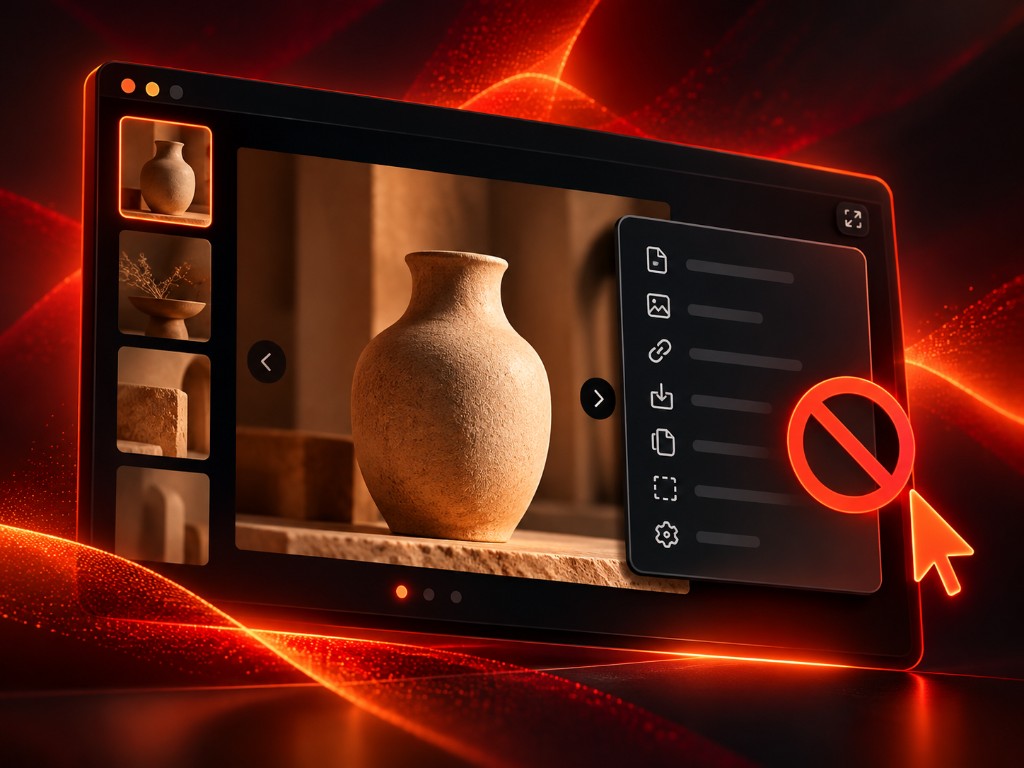 Keep your content safe.
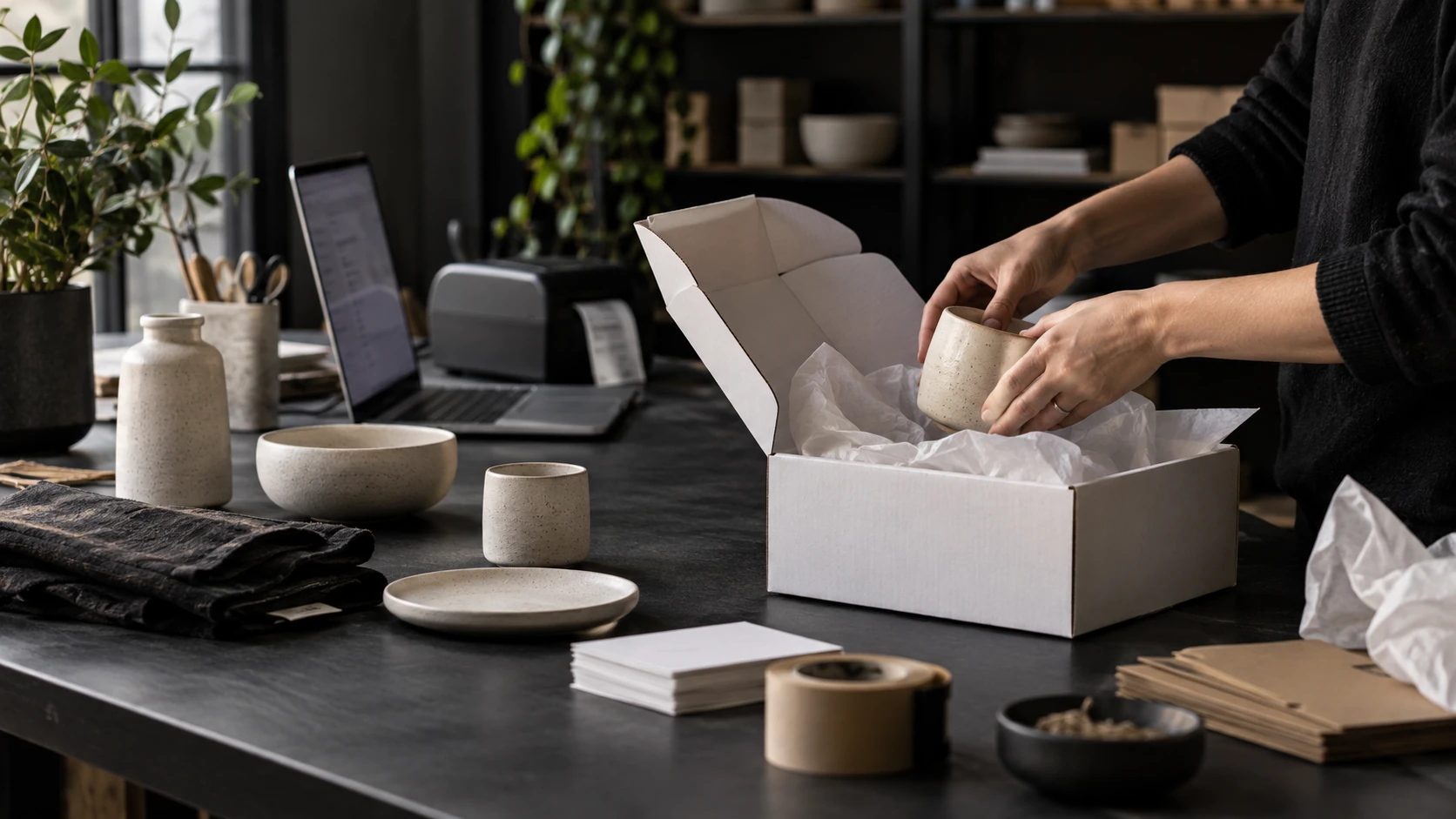 Fashion and jewelry stores
Protect original product photography, lookbooks, and model imagery that competitors may copy.
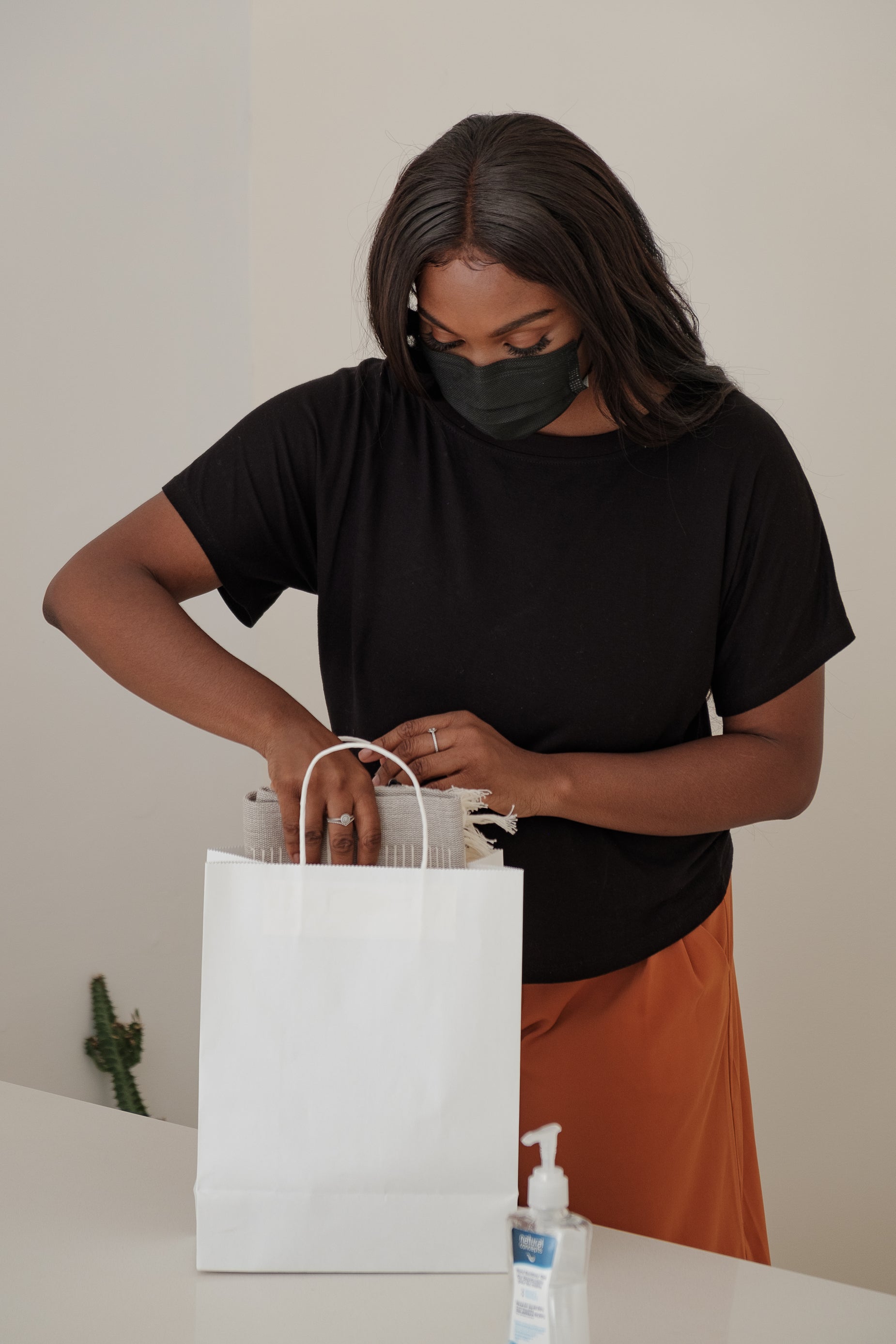 Beauty and lifestyle brands
Reduce reuse of product bundles, routines, and branded media across marketplaces and social shops.
 High-value product catalogs
Make product photos and descriptions harder to duplicate when your store content drives conversion.
No paid plans, trials, or usage limits. Every store gets full access.
Unlimited access to every protection feature. No paid plans, trials, or usage limits.
A Shopify disable right click app blocks common copy actions such as right-click save, text selection, and basic screenshot or print attempts. It helps merchants protect product photos and store copy from easy theft.
The app is designed to be lightweight and focused on protection events. Most stores run it without noticeable impact on browsing performance.
Yes. Every protection feature is free for every store, including IP and country controls and advanced rules. There are no paid plans or usage limits.
Yes. You can configure IP and country allow rules so trusted teams and locations keep expected access. These controls are included for free.
Fashion, jewelry, beauty, and high-value product stores benefit most when original imagery and branded copy are central to conversion and brand differentiation.
No. The app is installed and configured from the Shopify admin without any theme code changes required.
KOI Amazing Effects helps merchants add polished hover effects, product media animations, scroll reveals, and promotional visual cues without editing theme code.
View app
KOI Order & Boost Upsell helps merchants present relevant add-ons, bundles, and discount offers so customers can discover more products before checkout.
View app
KOI Gallery, Backup & Optimizer helps merchants showcase product media, preserve store assets, and improve image delivery workflows from one Shopify app.
View app
KOI Cross Sell Channel helps merchants embed products in content, partner sites, and channel experiences while keeping product information connected to Shopify.
View app