Custom galleries
Create product and brand galleries that give shoppers a clearer way to browse visual content.
KOI Gallery, Backup & Optimizer helps merchants showcase product media, preserve store assets, and improve image delivery workflows from one Shopify app.
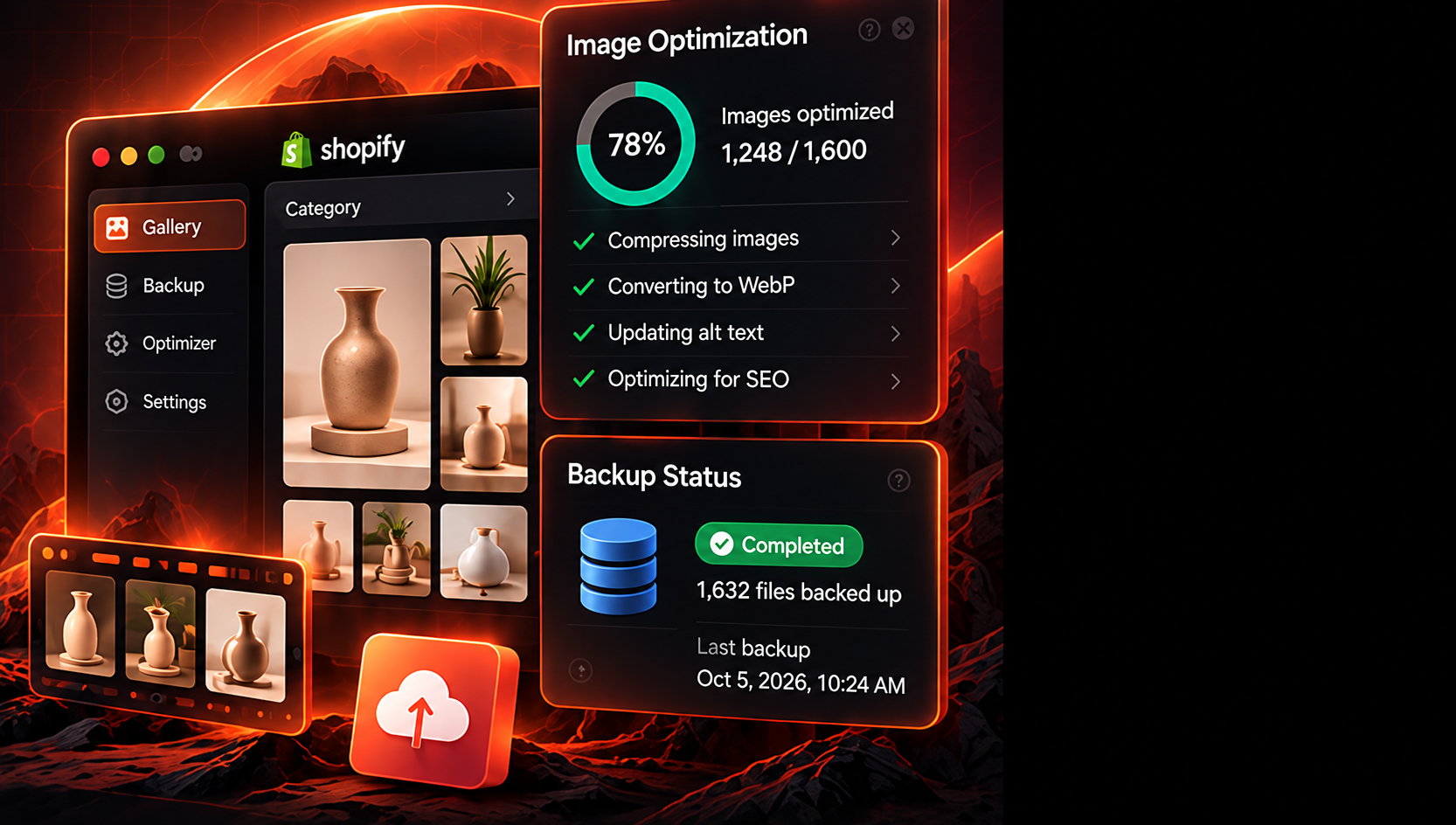
A Shopify gallery and backup optimizer app combines product media presentation, store asset backup workflows, and image optimization tools in one place. It helps merchants organize visual content, protect store data, and improve media-heavy shopping experiences without managing multiple separate tools.
Custom galleries Store backups
 Image optimization
 SEO ready
Open the Shopify listing and add the app to your store in a few clicks.
Choose app settings that match your store goals and preview the result before publishing.
Activate the experience and continue refining settings as your store needs change.
Create product and brand galleries that give shoppers a clearer way to browse visual content.
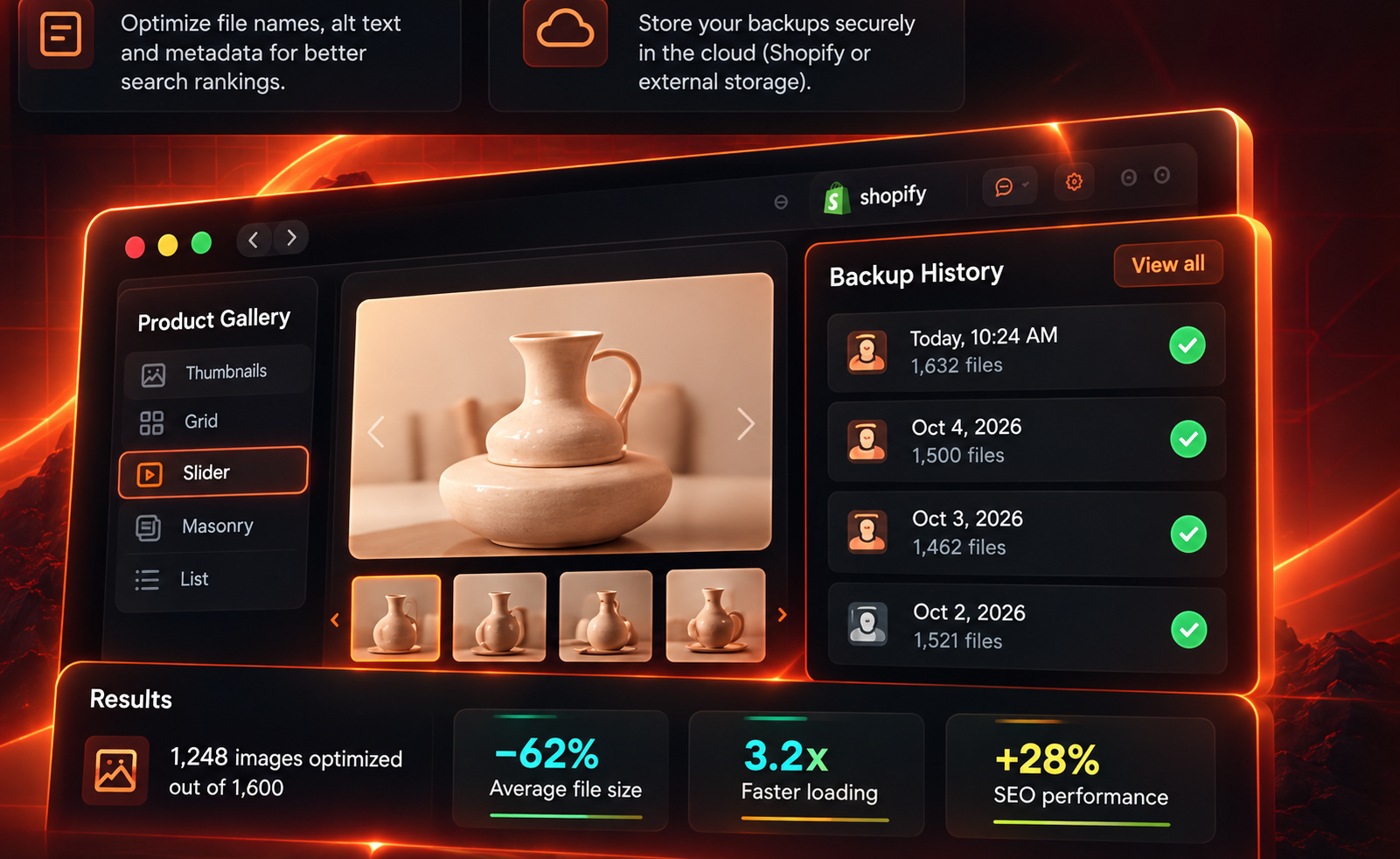
Preserve important store assets and media configuration so changes can be recovered more confidently.
Improve media delivery workflows for product images, gallery assets, and storefront visuals.

Use restore-oriented workflows to recover selected assets or configurations when store changes go wrong.
Support image metadata and descriptive fields that make product media easier to understand by search engines.

Keep backup and media workflows organized through a cloud-based app process.
Browse galleries, review backup history, and track optimization progress from one dashboard — without theme code edits.
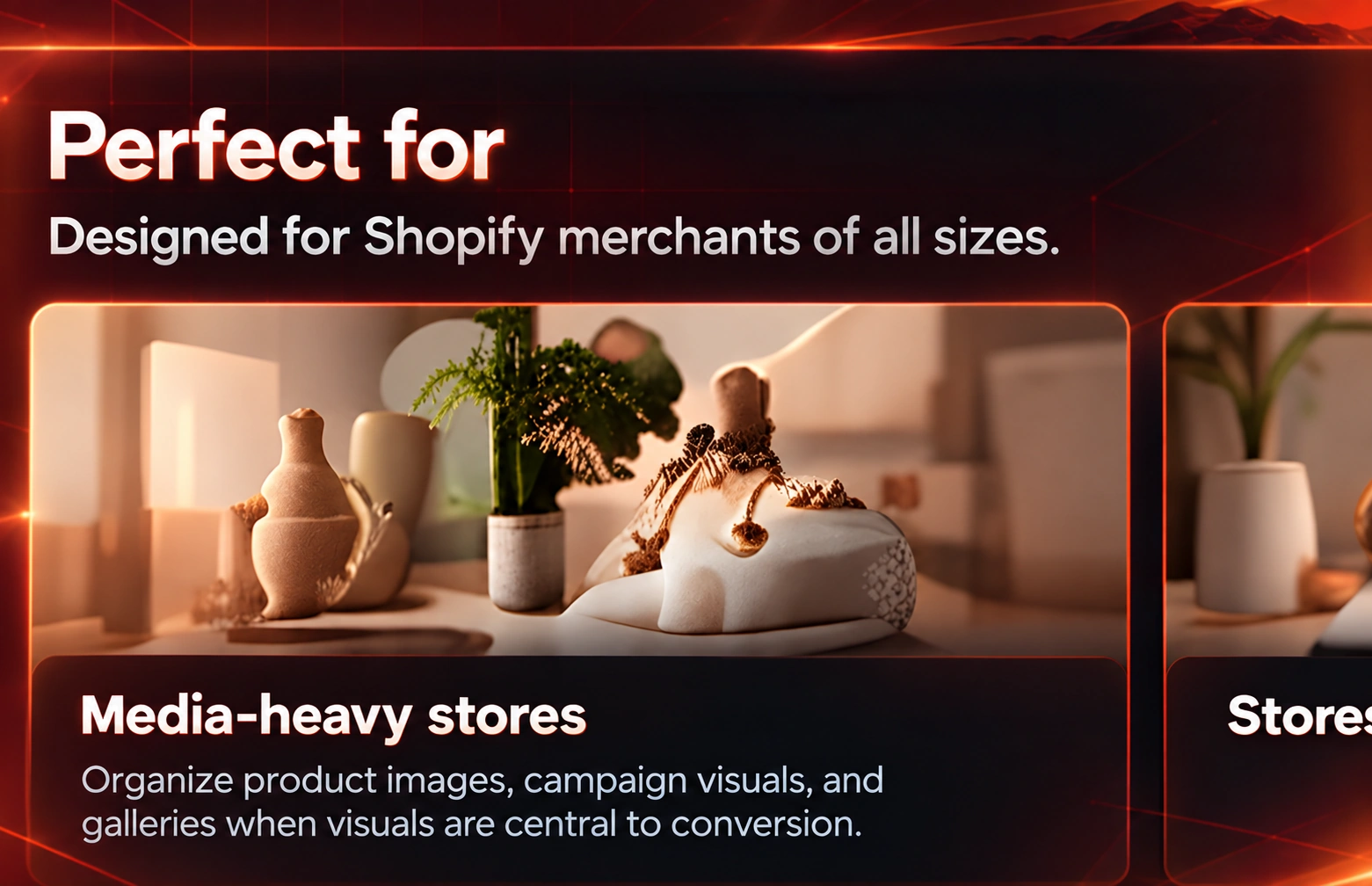
Organize product images, campaign visuals, and galleries when visuals are central to conversion.
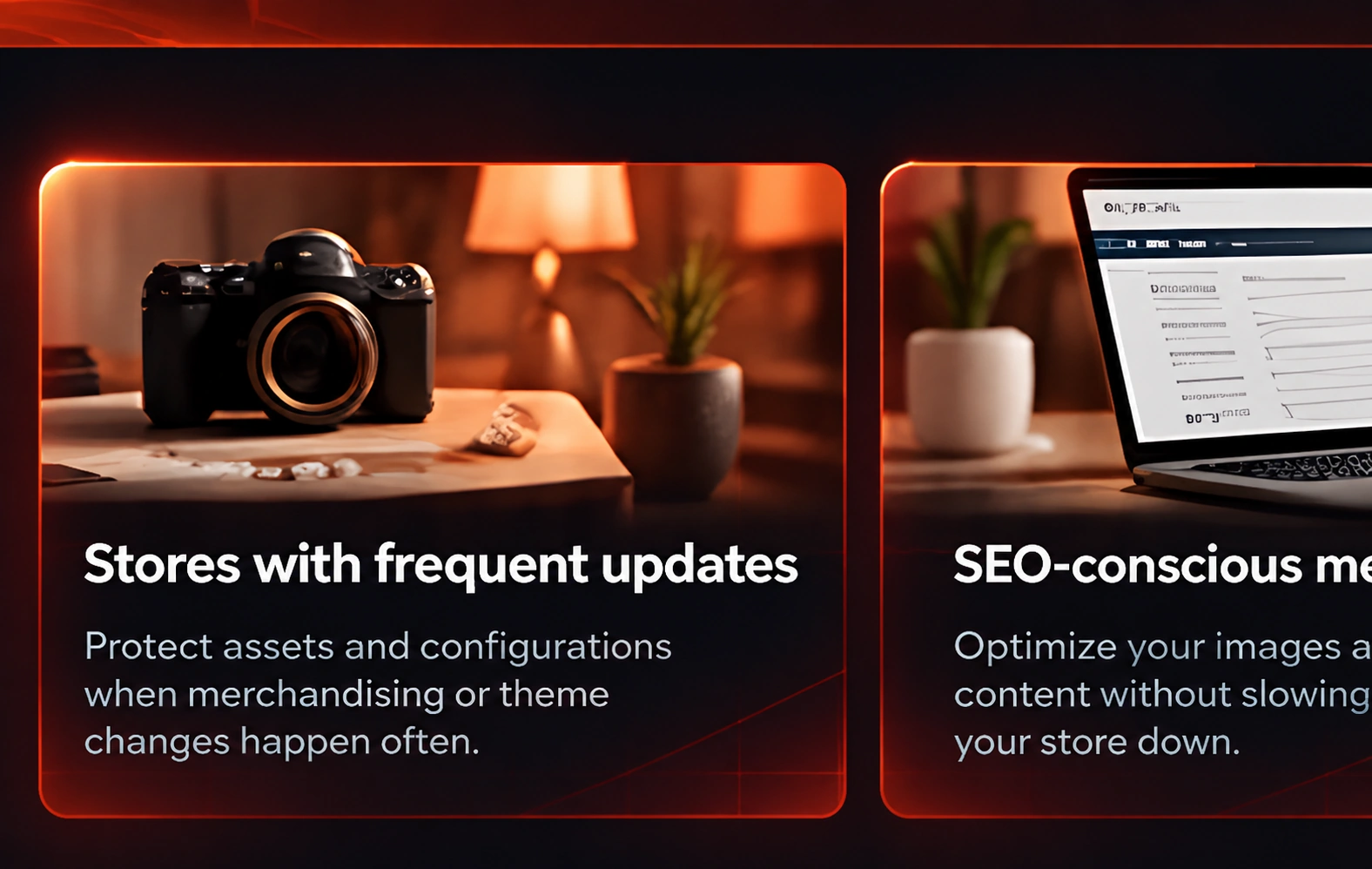
Protect assets and configurations when merchandising or theme changes happen often.

Improve media organization and descriptive image workflows that support organic visibility.

Current plans and pricing stay updated on the Shopify App Store listing.
KOI Gallery, Backup & Optimizer helps Shopify merchants showcase product media, preserve store assets, and improve image delivery workflows from one app.
No. The app is designed for app-based setup so merchants can manage galleries and backups without manually editing theme code.
Current pricing and plan details are available on the Shopify App Store listing linked from this page.
The app includes restore-oriented workflows that help you recover selected assets or configurations when store changes create problems.
It is best for Shopify merchants who manage large image catalogs, update stores frequently, or want better media backup and recovery options.
Image optimization workflows are designed to improve delivery efficiency. The app settings let you control how optimization is applied to your media.