
Hover effects
Add polished hover states to product cards, images, and buttons so key interactions feel more responsive.

KOI Amazing Effects helps merchants add polished hover effects, product media animations, scroll reveals, and promotional visual cues without editing theme code.

A Shopify visual effects app adds interactive animations and engagement effects to a storefront without custom theme development. It helps merchants draw attention to featured products, promotions, and galleries while keeping the store experience manageable from an app interface without code changes.
Make product media and cards feel sharper with polish shoppers notice.
Hover, zoom, and scroll motion that guides attention through the page.
Highlight offers and key products so shoppers stay longer and act sooner.
Open the Shopify listing and add the app to your store in a few clicks.
Choose app settings that match your store goals and preview the result before publishing.
Activate the experience and continue refining settings as your store needs change.
Add polished hover states to product cards, images, and buttons so key interactions feel more responsive.
Reveal sections as shoppers move through the page to create a more guided browsing experience.
Help customers inspect visual details with image zoom behavior designed for product media.
Draw attention to launches, offers, and featured collections with controlled visual cues.
Use lightweight motion patterns to make page transitions and media loading feel smoother.
Configure effects through app settings instead of editing theme files for every storefront change.

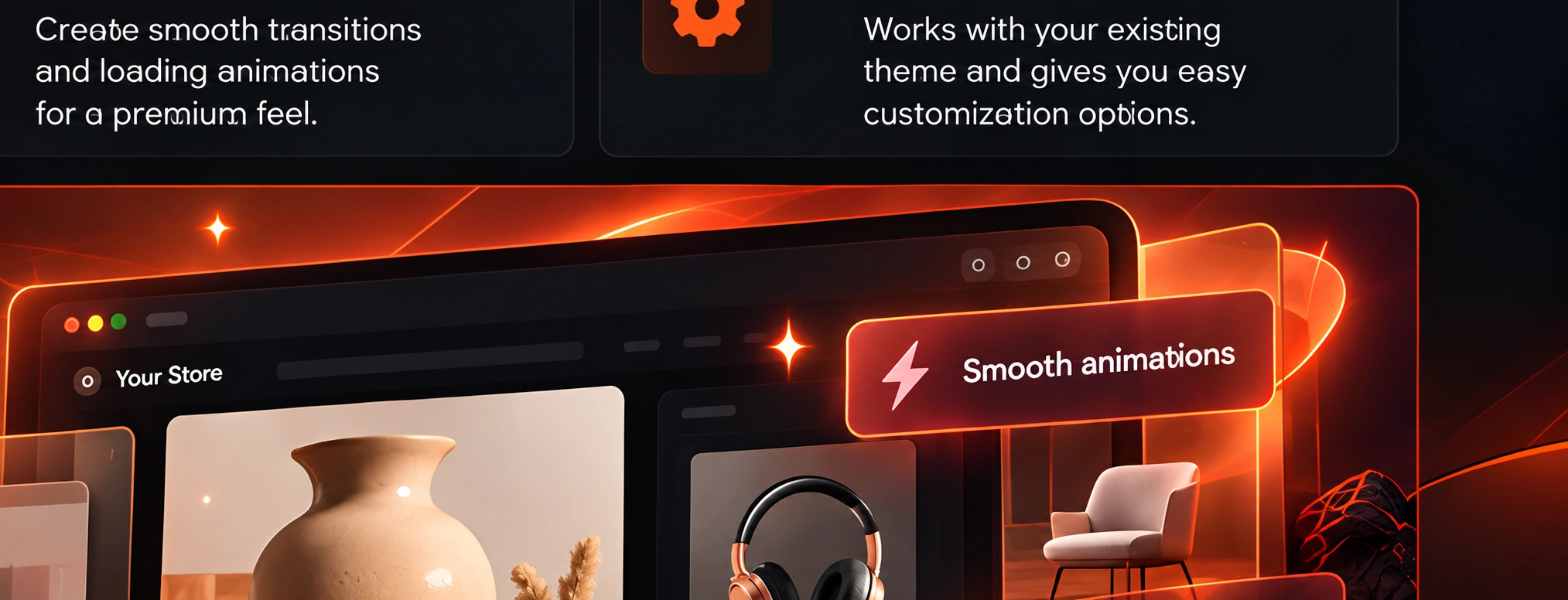
Make hero products, best sellers, and collection cards feel more interactive.
Highlight seasonal offers, limited collections, and promotional areas with controlled motion.
Add subtle visual polish that supports a premium storefront without custom development.
Start from the Shopify listing. Pricing stays current there.
See current plans and pricing on the Shopify App Store listing.
View on ShopifyInstall from Shopify and configure effects from the app dashboard.
Install on ShopifyHave a specific storefront use case? Ask the Yield Tech Hub team.
Get in touchKOI Amazing Effects helps Shopify merchants add polished hover effects, product media animations, scroll reveals, and promotional visual cues to their storefront.
No. The app is designed for app-based setup so merchants can configure the experience without manually editing theme code.
Current pricing and plan details are available on the Shopify App Store listing linked from this page.
It is best for Shopify merchants who want a more interactive storefront experience without adding custom development work to every store update.
The app is built with a lightweight approach. Effects are configured and applied through app settings designed to avoid heavy rendering overhead.
Bring hover, zoom, and scroll polish to your Shopify storefront without theme code.
Install on Shopify →