
Protect Shopify Product Images from Casual Copying
Learn how KOI Disable Right Click & NoSpy helps Shopify merchants discourage casual copying of product images, set storefront rules, and keep shopping usable.
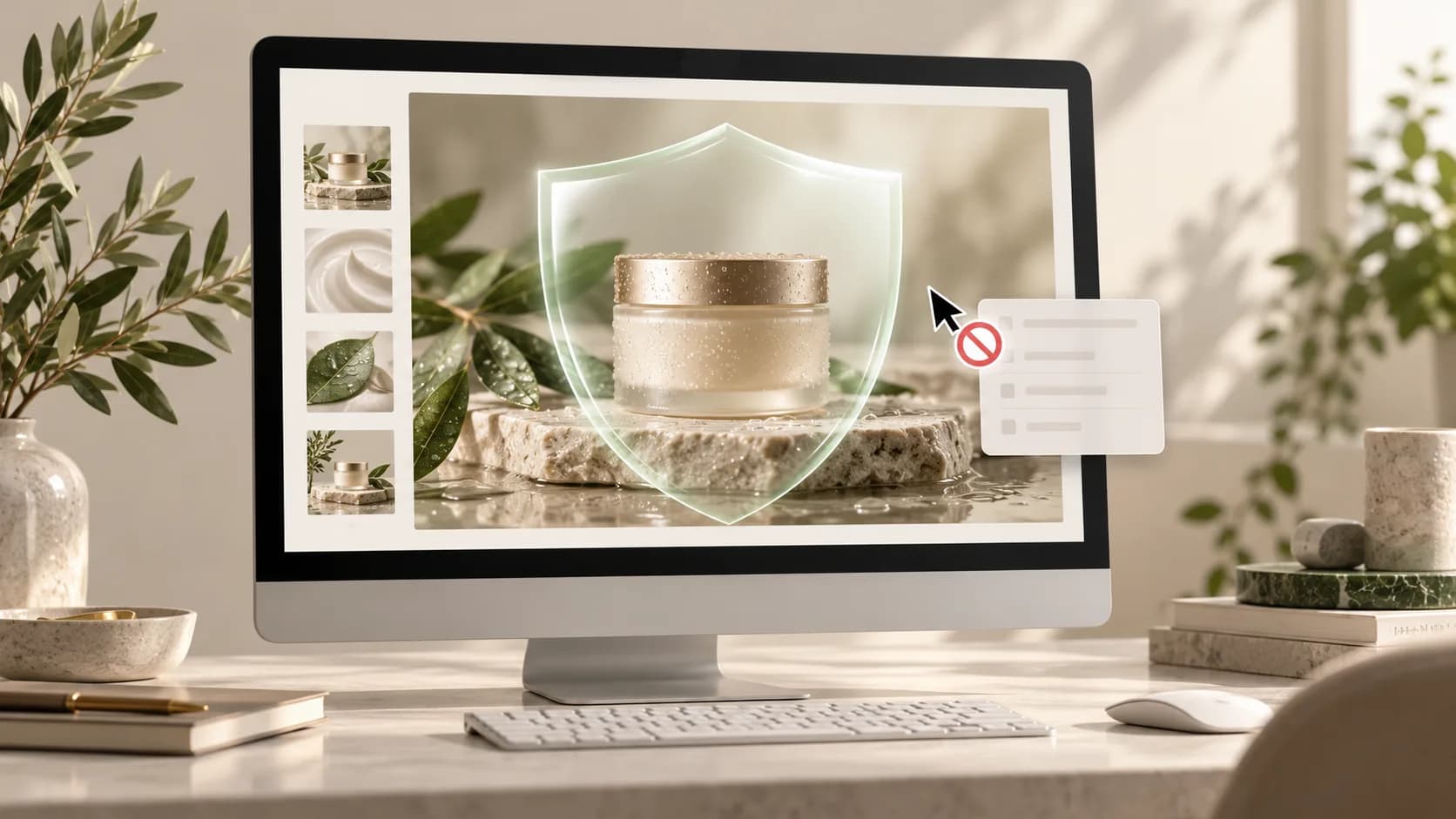
Product photography carries a lot of work: it shows scale, materials, details, and the character of a brand. On a Shopify storefront, a visitor can often open a browser context menu and try to save an image or copy visible text. Store owners who want to discourage those quick actions can add storefront content-protection controls.
KOI Disable Right Click & NoSpy helps merchants block common copy actions, including right-click saving, text selection, print shortcuts, and supported inspection shortcuts. It is a deterrent against casual copying, not digital rights management: a determined person may still capture or reproduce content through other methods.
Why protect Shopify product images?
Original product images help customers understand what they are buying and help a store stand out. When another site reuses those images without permission, shoppers may see an outdated price, an incorrect product description, or a copy that does not reflect the original brand. Protection controls can make simple copying less convenient while you handle image licensing and brand enforcement through the appropriate channels.
What a Shopify disable right-click app can do
A browser-based protection app can intercept selected storefront actions and apply rules to the pages or visitors you choose. KOI Disable Right Click & NoSpy includes controls for right click, text selection, screenshot and print actions, IP rules, country rules, and page rules. The available behavior can vary with a visitor's browser, device, and accessibility settings.
Discourage quick right-click attempts to save product photos.
Reduce casual copying of product descriptions and merchandising text.
Configure IP, country, and page rules for the storefront areas you want to protect.
Keep the protection rules in the app dashboard instead of editing theme code.
Set up protection without getting in the way of shopping
Start by adding KOI Disable Right Click & NoSpy from the Shopify App Store and opening its dashboard. Choose the protection settings that fit your store, then apply page, IP, or country rules where needed. Every feature is available free, with no subscription or usage limits.
After publishing your settings, review a few representative pages on desktop and mobile. Check product galleries, variant controls, navigation, cart actions, and keyboard access. Some visitors use browser context menus and text selection for legitimate reasons, so apply the narrowest rules that support your goals and keep the normal shopping flow usable.
Know what browser protection cannot guarantee
Anything displayed in a browser can potentially be captured. A visitor may use a screenshot, another device, browser tools, or a direct image URL. Right-click blocking can discourage a common shortcut, but it cannot guarantee that no one will copy an image or text. Consider pairing storefront controls with visible or invisible watermarks, appropriately sized image exports, clear usage terms, and a process for reporting unauthorized reuse.
Frequently asked questions
Does disabling right click completely prevent image downloads?
No. It can block or discourage common browser actions, but it cannot prevent every way to capture content. Treat it as one layer in a broader content-protection approach.
Can I protect only selected pages or regions?
KOI Disable Right Click & NoSpy supports page, IP, and country rules, so you can target protection settings to the parts of your storefront and visitor groups that need them.
Does KOI Disable Right Click & NoSpy have paid limits?
All protection features are free, including unlimited IP, country, and page rules. There is no subscription or usage cap for those features.
Protect your storefront with a practical first step
If you want to make casual copying less convenient while keeping your store experience in view, explore KOI Disable Right Click & NoSpy for Shopify. Set rules carefully, test the pages shoppers use most, and combine browser controls with good image and brand-management practices.